Catch a Plane Auto Catch and Plane ESP
Focus on grab automation, ESP highlights, and movement assists—with full ban-risk warnings.
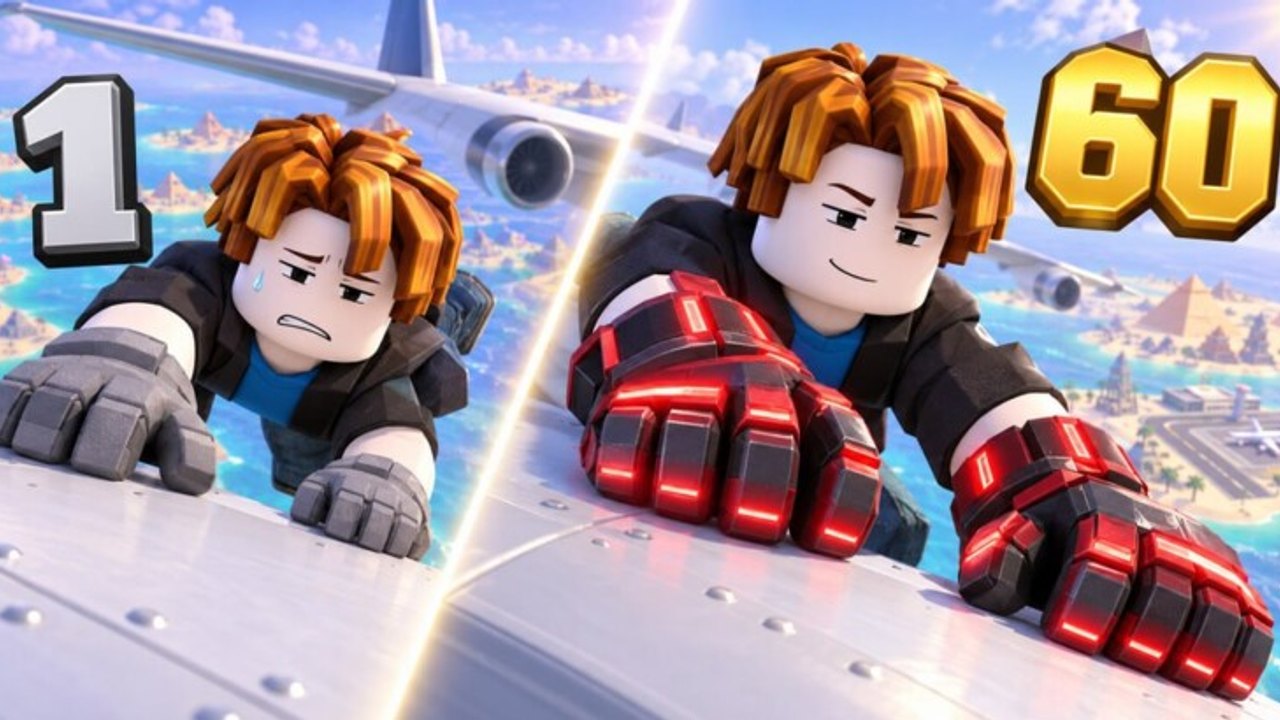
ToS and ban-risk disclaimer
Auto catch scripts require a third-party executor. That workflow can violate Roblox Terms of Use and may result in moderation actions up to permanent bans. Scripts can also be bundled with stealers or malicious key systems. This guide explains how community tools describe their catch and ESP features so you can understand the landscape. It is not permission to break the rules. Prefer manual play, codes, and guides if you care about account safety.
For full farm hubs (train power, buy gloves, claim trophies, rarity filters, recycle), use the auto farm page. For the overview and safety checklist, start at the scripts hub.
In Catch a Plane! the skill expression that matters most in the first hours is the grab: jump timing, approach angle, glove quality, and whether your strength can hold the plane until the finish. Auto catch tools try to remove the timing layer. Plane ESP tries to remove the “where is the next plane?” layer. Neither removes the need for strength training, glove upgrades, gear boxes, or trophy unlocks—but they change how the loop feels.
Game context (keep facts straight): free incremental simulator from Catch a Plane! / Oi_iO, released 7 October 2026, updated through November 2026, universe 10769721516, place 86522629968403, max 10 players per server, 4M+ visits, ~600k favorites. Listing title may appear as +1 Power to Fly [Catch a Plane!].
What auto catch usually does
Across the hubs documented on this wiki, catch-related modules generally:
- Detect nearby catchable planes.
- Move or align the character toward a valid target.
- Fire the grab interaction without manual click timing.
- Retry after a failed latch or early drop.
- Optionally respect rarity or world filters (advanced hub).
- Pair with Plane ESP so targets remain visible through clutter.
Auto catch is only as good as your strength and gloves. If you cannot hold a heavy plane, the script will grab and drop in a loop. Fix progression first—see getting started—then decide whether automation is worth the risk.
Plane ESP explained
ESP (extra-sensory perception) overlays mark planes or related objects on your screen. In Catch a Plane that usually means:
- Drawing boxes or markers on active planes.
- Showing distance or direction hints.
- Helping you notice high-value targets when the sky is busy.
ESP does not grab for you. It is a visibility aid often bundled beside Auto Catch Plane in the Pastebin hub, and beside broader filters in the advanced loader. Using ESP still requires an injected client, so the same ToS warning applies even if you never enable auto grab.
Movement and glide assists
Catch success is not only the grab button. Between planes you traverse the map with jumps, glides, and gear:
- Farm Movement options try to keep the character looping efficient paths.
- Glide Speed tweaks matter after gear boxes drop parachutes, jetpacks, or Gravity Wings.
- Poor movement settings can fling you off the map or desync hangs—start low, raise slowly.
If auto catch works in place but you never reach new spawns, your movement layer—not the grab toggle—is the bottleneck.
Loadstrings that include auto catch / ESP
These are the same verified community strings documented on the auto farm page. They are repeated here so this guide stands alone. Run one hub at a time.
Compact hub (includes Auto Catch Plane, Plane ESP, Farm Movement, Glide Speed, plus train/gloves/gear/trophy helpers):
loadstring(game:HttpGet("https://pastebin.com/raw/VZhHdEcK"))()Advanced loader (Auto Catch plus world select, rarity filter, potions, open boxes, recycle gear, and related QoL):
loadstring(game:HttpGet("https://api.flowauth.net/v1/loaders/22cb301da4b50eaf7e00d61e44a6ac85.lua"))()Never invent alternate URLs. If a host is down, wait for a confirmed update on auto farm or this page.
Setup checklist focused on catch + ESP
- Account choice. Use a spare account. Do not inject on a main you cannot afford to lose.
- Join the real game. Official Catch a Plane! only—wrong places waste time and confuse debugging.
- Redeem free progress first. Claim
oiio10kvia the Shop flow in how to redeem so cash/power gifts land before a farm session. - Manual baseline. Catch at least a few planes by hand. Note which glove tier you use and whether strength feels short on hangs.
- Inject and load one string. Wait for the hub GUI.
- Enable Plane ESP only. Confirm markers look sane and performance stays playable.
- Enable Auto Catch. Watch three to five attempts. If you instantly drop, disable catch and train strength or buy gloves instead.
- Add movement/glide assists last. Small increments; stop if you clip out of bounds.
- On the advanced hub, set world select to your unlocked world and start with a lenient rarity filter until income is stable.
- Stay present for the first minutes. True AFK comes only after you have seen a clean loop.
Tuning when grabs fail
| Symptom | Likely cause | What to try |
|---|---|---|
| Grab then instant drop | Strength too low | Train power; delay auto catch |
| Never latches | Gloves outdated / bad angle | Buy gloves; adjust movement |
| Loops weak planes only | Filter too strict or wrong world | Relax rarity; change world |
| ESP on, still lost | Overlay scale / lag | Lower graphics; rejoin quieter server |
| Character flings | Glide/movement too high | Reset movement toggles |
| Script errors after patch | Game update | Stop; wait for verified fix |
Servers cap at 10 players, but busy popular instances still stutter. Soft-rejoining can clear bad physics states that look like “script failure.”
Auto catch versus official Auto Play
AUTO PLAY NOW! is a Robux game pass (listed among the sale passes for this experience). It is an official purchase path with its own balance tradeoffs. Auto catch scripts are unofficial injected automation. They are not the same product, not supported by the developers, and not a “free Auto Play.” Rank paid passes—including Power/Cash multipliers, GOLDEN GLOVES, INF STONES GLOVES, and zone unlocks—on the tier list separately from any script decision.
Play patterns that still matter with ESP
- Trophies unlock worlds. Auto catch in the starter area forever will stall your plane pool. Claim trophies (manually or via the farm hub’s auto claim).
- Gear boxes change traversal. Jetpacks, parachutes, and Gravity Wings alter how farm movement should be tuned after each upgrade.
- Seasonal / premium zones (Halloween Premium Pass, PHARAON ZONE, GOD ZONE, SANTA ZONE, and similar) can change where high-value planes appear—update world select when you unlock them.
- Strength is still king for hang duration. ESP will happily highlight a plane you cannot finish.
Responsible stopping conditions
Stop the script and return to manual play if:
- You see unexpected permission prompts or cookie requests.
- The hub GUI asks you to download a random second executable mid-session.
- Roblox shows moderation warnings.
- The character repeatedly soft-locks and ignores disable toggles (leave the game entirely).
Close the executor after sessions. Do not leave injected clients attached overnight on accounts you care about.
Where to go next
- Full feature matrix and both loadstrings with farm-wide toggle order: Auto Farm.
- Hub-level warnings and manual alternatives: Scripts Hub.
- Early progression without executors: Getting Started.
- Gift code claim steps: Codes and How to Redeem.
- Pass and upgrade priorities: Tier List.
Auto catch and Plane ESP only address visibility and grab timing. The rest of Catch a Plane—strength, gloves, gear, trophies, worlds—still decides whether those grabs turn into real progress. Keep that hierarchy in mind, and keep the ToS risk in mind even harder.
Frequently Asked Questions
Quick answers to the most common questions.
Does auto catch work without good gloves?
Poorly. Gloves and strength decide whether a latch becomes a finished hang. Upgrade first, then enable auto catch, or use a farm hub’s auto-buy/train toggles carefully.
Is Plane ESP enough on its own?
ESP only highlights targets. You still need manual grabs or an auto catch toggle. ESP still requires an executor, so ToS risk remains.
Should I run auto catch and the advanced rarity filter together?
On the advanced loader, yes—you can combine Auto Catch with world select and rarity filters. Start lenient so you do not starve cash income.
Is script auto catch the same as the Auto Play game pass?
No. Auto Play is an official Robux pass. Scripts are unofficial injected tools with ban risk and are not supported by the developers.
What loadstring do I paste for auto catch?
Use either community hub listed on this page (Pastebin compact hub or advanced loader). Both include auto catch style features; run only one at a time.
Can I get banned for ESP only?
Yes. Any injected overlay or script can violate Roblox ToS. Assume enforcement risk even if you never enable auto grab.